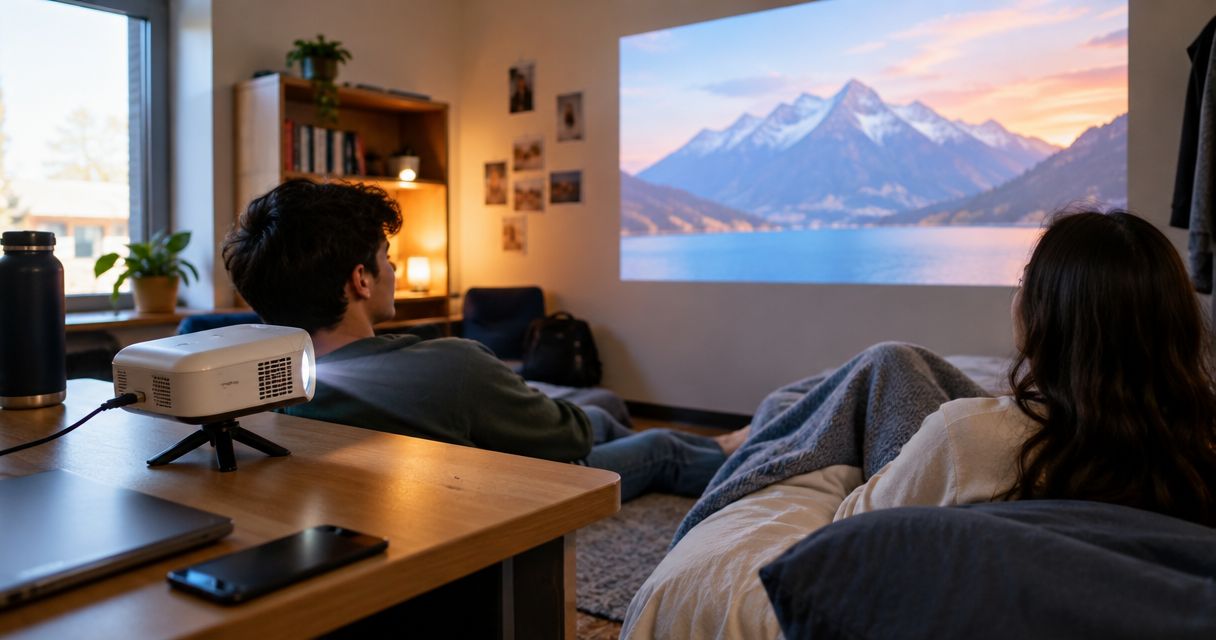
Best overall: a wall-powered mini projector with HDMI for a streaming device. Best for phone-first viewing: a projector with a verified wired phone connection. Best budget approach: choose around a compatible playback device you already own. This 2026 guide helps you choose a dorm-room setup by picture quality, placement, compatibility, and the accessories it needs.
- The best mini projector for dorm room use fits your actual viewing distance and playback device.
- Hottertronics shoppers should prioritize verified native resolution and connection compatibility over headline feature lists.
- Choose HDMI-based streaming for a dedicated dorm setup; verify app support before choosing built-in streaming.
- A battery-powered projector suits shared-space viewing, but battery operation adds another specification to check.
Why this matters
A dorm projector has to work around furniture, shared lighting, and somewhere safe to put it. A larger advertised image does not solve an awkward shelf position or a phone that cannot send video through its charging port.
For shoppers browsing Hottertronics, the best dorm-room mini projector is the one that fits the room and works with the playback device they plan to use. Start with that match, not the longest feature list.
This 2026 buying guide ranks setup types by everyday use. Choose the connection approach first, then compare individual models against the checks below.
What makes the best mini projector for a dorm room?
- Usable picture: Check native resolution and brightness specifications, not just supported input formats or promotional images.
- Room fit: Confirm the image size at your available projection distance. Measure around furniture rather than imagining an empty room.
- Playback compatibility: Identify exactly how your laptop, phone, console, or streaming device will deliver video and sound.
- Placement flexibility: Check focus, image adjustment, ventilation clearance, and whether the projector needs a separate stand.
- Everyday comfort: Look for information about fan noise, speaker connections, and controls you can reach from bed.
- Complete setup: Include required adapters, cables, mounting accessories, and power connections in your decision.
The strongest 2026 shortlist answers all six questions clearly. An unresolved compatibility question is a reason to pause, even when the other specifications look appealing.
Dorm-room mini projector setups at a glance
| Ranked setup | Best for | Standout advantage | Key limitation |
|---|---|---|---|
| HDMI projector with external streaming device | A dedicated movie setup | Playback comes from a separately chosen device | Requires power and cable planning |
| Projector with verified wired phone input | Phone-first viewing | Connects around the phone you already use | Phone output and adapter compatibility vary |
| Projector with verified built-in streaming | An all-in-one setup | Removes the need for a separate streaming device | Exact app support needs checking |
| Battery-powered mini projector | Moving between permitted viewing spaces | Can operate away from an outlet | Runtime and battery-mode brightness need checking |
These are distinct buying routes, not interchangeable features. A projector can belong to several routes, but your main use should decide which checks come first.
1. HDMI projector: best for a dedicated dorm movie setup
A mini projector with HDMI receives video from a compatible external source, such as a streaming device or laptop. This separates the picture-producing hardware from the device handling your entertainment apps.
Best for: You want a regular movie setup and have somewhere to leave the projector connected. For Hottertronics mini projector shoppers, this is the default buying route to investigate first.
HDMI projector pros
- You can choose the playback device separately from the projector.
- HDMI provides a clearly defined wired connection to check before buying.
- An existing compatible laptop or streaming device can become the video source.
- You can assess the streaming device's apps independently of the projector.
HDMI projector cons
- The projector and playback device need suitable power arrangements.
- Extra hardware means more cables around a desk or bedside shelf.
- A built-in USB port does not automatically provide enough power for your streaming device.
Before buying, check the HDMI input, supported signal formats, audio options, and the streaming device's power requirements. Confirm whether the necessary cable is included rather than assuming the product photos show the complete package.
Also consider the controls. If you use separate remotes for the projector and streaming device, decide where both will live so that switching on a movie is straightforward.
Verdict: Buy this setup for regular dorm viewing once the connections and placement check out.
2. Wired phone projector: best for phone-first viewing
A phone-connected projector uses a compatible wired video path from your phone to the projector. The connection can involve an adapter, and the presence of a USB-C connector alone does not establish video-output support.
Best for: You prefer choosing content on your phone and can verify the complete connection before buying.
Wired phone projector pros
- You select content through a device you already know.
- A compatible wired connection avoids relying on wireless screen mirroring.
- The setup can suit photos, presentations, and other supported phone content.
Wired phone projector cons
- Compatibility depends on the exact phone, adapter, cable, and projector input.
- A working home-screen connection does not prove every streaming app will play video.
- Using the phone as the source leaves it physically tied to the setup.
Check the phone manufacturer's video-output guidance first. Then check the adapter requirements and the playback restrictions of the apps you actually use.
For a phone-first setup in 2026, write down your exact phone model rather than shopping by connector shape. Confirm whether charging remains possible during playback, too; that depends on the connection hardware.
Verdict: Hold until your exact phone and intended apps have a confirmed connection path.
3. Built-in streaming projector: best for an all-in-one setup
A projector with built-in streaming runs supported entertainment apps on the projector itself. It can remove a separate streaming device from the setup, but only when the apps and playback functions you need are supported.
Best for: You want fewer separate devices and are willing to verify the projector's software as carefully as its picture specifications.
Built-in streaming projector pros
- Supported apps run without a separate streaming device.
- Fewer external components can make a small shelf easier to organize.
- Playback controls can be concentrated on the projector's own interface.
Built-in streaming projector cons
- An app logo in a listing is not a substitute for clear compatibility information.
- Software support becomes part of your projector purchase decision.
- Dorm network sign-in requirements can complicate the connection.
Check the exact operating system, supported apps, and available update information. Treat vague references to smart features as a prompt for more checking, not proof of compatibility.
Your residence network matters here. Ask whether personal streaming devices are permitted and how devices without a conventional browser connect. Keep a compatible wired input on your checklist if you want an alternative playback route.
Verdict: Buy only when the apps and dorm network requirements are confirmed.
4. Battery-powered projector: best for moving between viewing spaces
A battery-powered mini projector can operate without being plugged into an outlet during use. That feature addresses portability; it does not establish picture quality, runtime, or whether your playback device also works without mains power.
Best for: You genuinely expect to move the projector between permitted viewing spaces rather than leave it beside your bed.
Battery-powered projector pros
- The projector can operate away from an outlet.
- You have more placement freedom when a power cable would be awkward.
- Moving the projector does not always require moving its power adapter with it.
Battery-powered projector cons
- Battery runtime needs checking for your intended viewing sessions.
- Picture brightness can differ between battery and plugged-in modes.
- An external streaming device can still require a separate power source.
Check the conditions behind any stated runtime. Look for the picture mode used, whether wireless functions were active, and whether the figure describes continuous video playback.
For a fixed bedside setup in 2026, battery operation should not outrank native resolution, usable placement, or confirmed playback. Buy portability because you will use it, not because it sounds convenient.
Verdict: Buy for genuinely mobile viewing; skip battery-first shopping for a fixed dorm setup.
Read projector specifications without paying for the wrong feature
Native resolution describes the picture panel
Native resolution is the projector's physical image resolution. A 1920 × 1080-pixel panel has more image detail available than a 1280 × 720-pixel panel, although the source material, focus, and viewing conditions still matter.
A listing that accepts 3840 × 2160-pixel input does not necessarily contain a panel with that resolution. Supported input and native resolution answer different questions.
For Hottertronics mini projector shoppers, native resolution is the specification to compare before treating a supported-input label as a picture-quality upgrade. Look for an explicit statement rather than interpreting a large resolution badge.
Brightness needs a stated measurement method
Compare brightness figures only when the measurement methods are clear and comparable. A bare lumen figure does not tell you whether another listing measured brightness the same way.
Room light also changes the viewing result. If your roommate keeps a desk lamp on, assess that situation rather than assuming every movie happens in a fully dark room.
Image correction does not fix physical placement
Keystone correction adjusts image geometry when the projector is not square to the viewing surface. It does not remove the need to check focus, projection distance, or an unobstructed light path.
Place the projector as directly toward the viewing surface as the room allows. Then use the available adjustments rather than relying on correction to rescue an unsuitable shelf position.
Check your dorm setup before choosing a model
Use this sequence to turn a long shortlist into a practical purchase decision. The measurements come before the accessory shopping.
- Measure the wall. Identify a clear projection area and check what happens when doors, wardrobes, or curtains move.
- Check placement. Measure the available projection distance and compare it with the model's stated distance-to-image guidance.
- Confirm playback. List your exact source device, connection hardware, intended apps, and network requirements.
- Check power. Plan outlets for the projector and any external equipment without routing cables across walking areas.
- Plan audio. Check whether the built-in speaker or a supported external connection suits your shared-room arrangement.
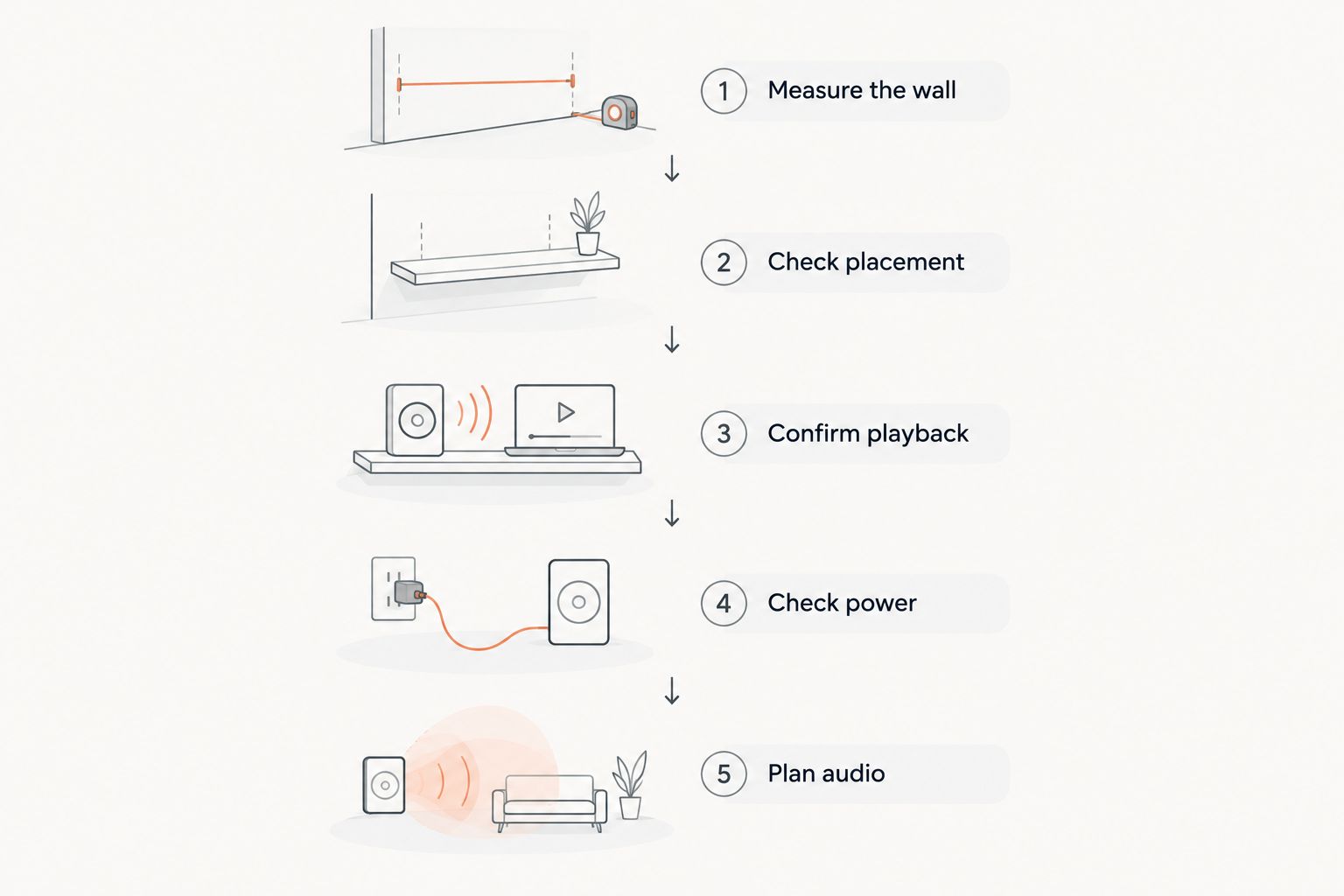
Before ordering, make a complete equipment list. Include any adapter, stand, screen, speaker connection, or additional power supply that your chosen arrangement requires.
A bare wall is an option to assess before adding a screen. Its color, texture, and available area affect the image, so do not assume a screen is either essential or unnecessary for every room.
How these setups are ranked
The order prioritizes a clear playback path, practical room placement, and manageable setup requirements. HDMI-based playback comes first because you can evaluate the projector and entertainment source separately; phone-first, built-in streaming, and battery operation serve more specific needs.
This is a buying framework, not a claim that every HDMI projector beats every battery-powered model. A poorly documented model remains a poor choice regardless of its category.
Which dorm-room mini projector should you choose?
Choose a wall-powered HDMI setup as your default for regular dorm movie nights. Reuse a compatible source device when it meets your needs, and check the complete equipment list before deciding what represents good value.
Choose wired phone playback only after confirming the phone and apps. Choose built-in streaming for verified software convenience, or battery operation when moving between spaces is a real requirement.
For your 2026 purchase, prioritize the setup you can explain clearly: where the projector sits, what supplies the video, how sound plays, and where everything gets power.
FAQ
What's the best mini projector for dorm room use?
A wall-powered mini projector with HDMI is the default choice for a dedicated dorm setup. Confirm native resolution, projection distance, and compatibility with your chosen playback device before buying.
Can I connect my phone directly to a mini projector?
You can connect a phone directly when the phone supports a compatible video-output method and the projector accepts it. Check the exact phone, adapter, and intended apps rather than relying on the connector shape.
Does a projector that supports high-resolution input have the same native resolution?
No, supported input resolution and native panel resolution are different specifications. Read the explicit native-resolution figure to identify the panel's physical image resolution.
Is built-in streaming better than using an external streaming device?
Built-in streaming is better for reducing separate hardware only when it supports your required apps and dorm network. An external device lets you choose the playback system separately from the projector.
Do I need a screen for a dorm projector?
A separate screen is not automatically required. Assess your wall's color, texture, and clear area before deciding whether a screen belongs in your setup.
Should I buy a battery-powered projector for my dorm?
Choose battery power when you expect to use the projector away from outlets. For a fixed bedside setup, prioritize picture specifications, placement, and playback compatibility first.
What should I check before buying a dorm projector in 2026?
Check native resolution, brightness measurement, projection distance, source-device compatibility, power, and audio connections. Include all required accessories in your purchase decision.
One last thing
Plan audio before your first movie night. A projector can fit the wall perfectly while the sound arrangement fails the room: confirm whether your intended speaker or headphones connect to the projector or to the playback device.
That distinction is easy to overlook. Write down the full path from video source to picture and sound before you buy.