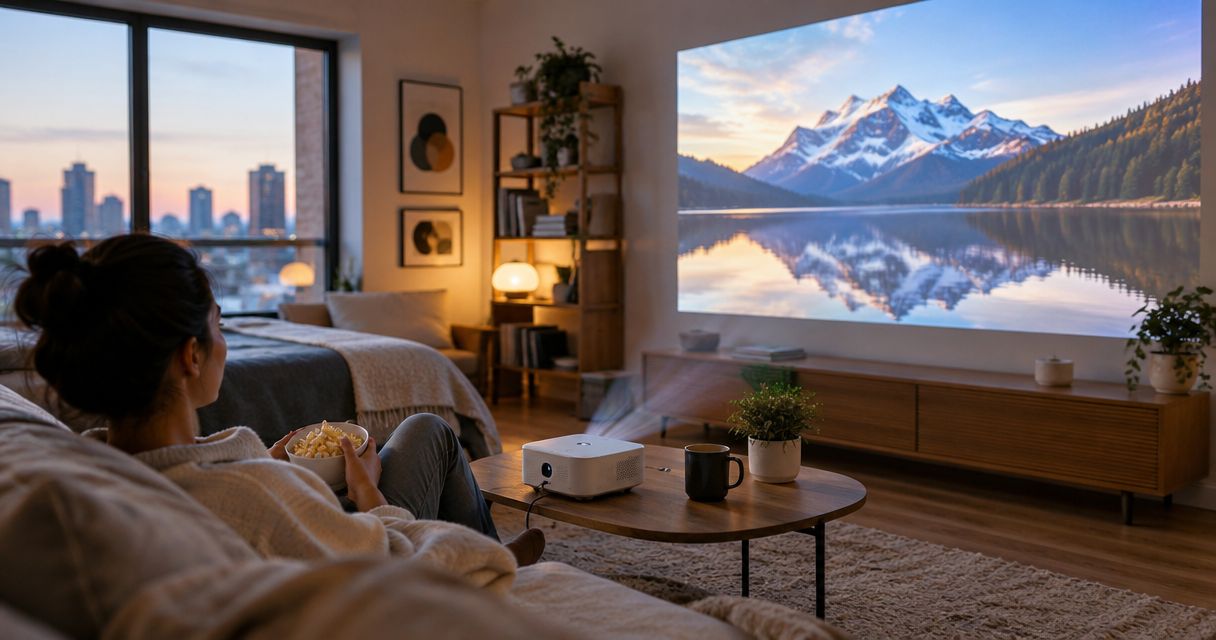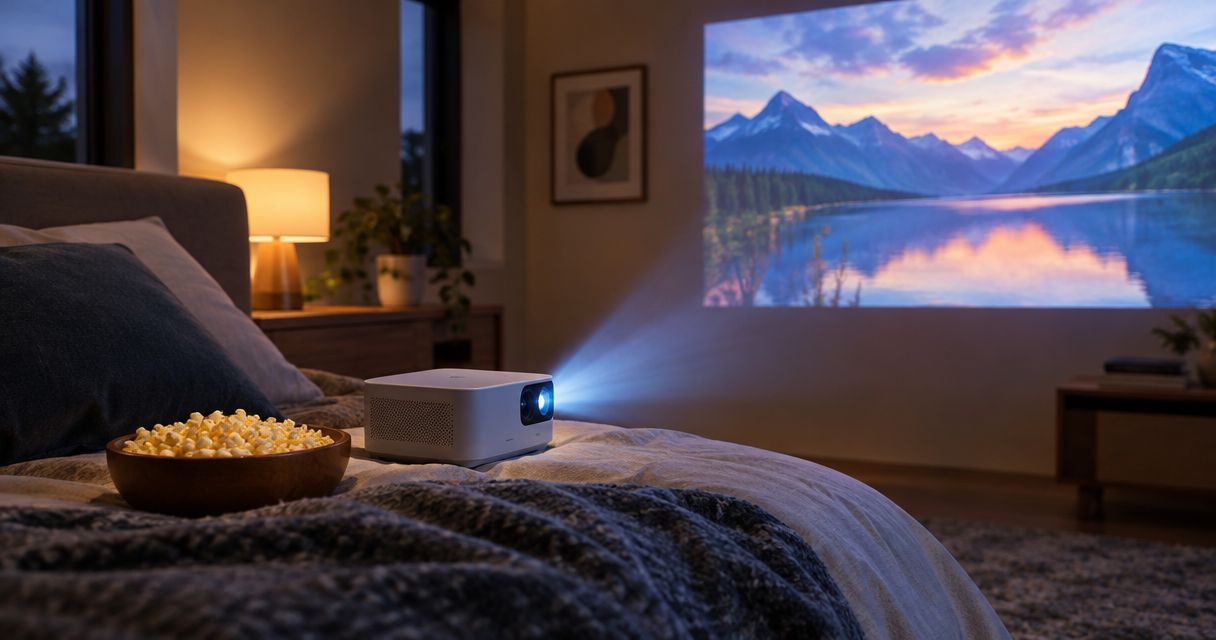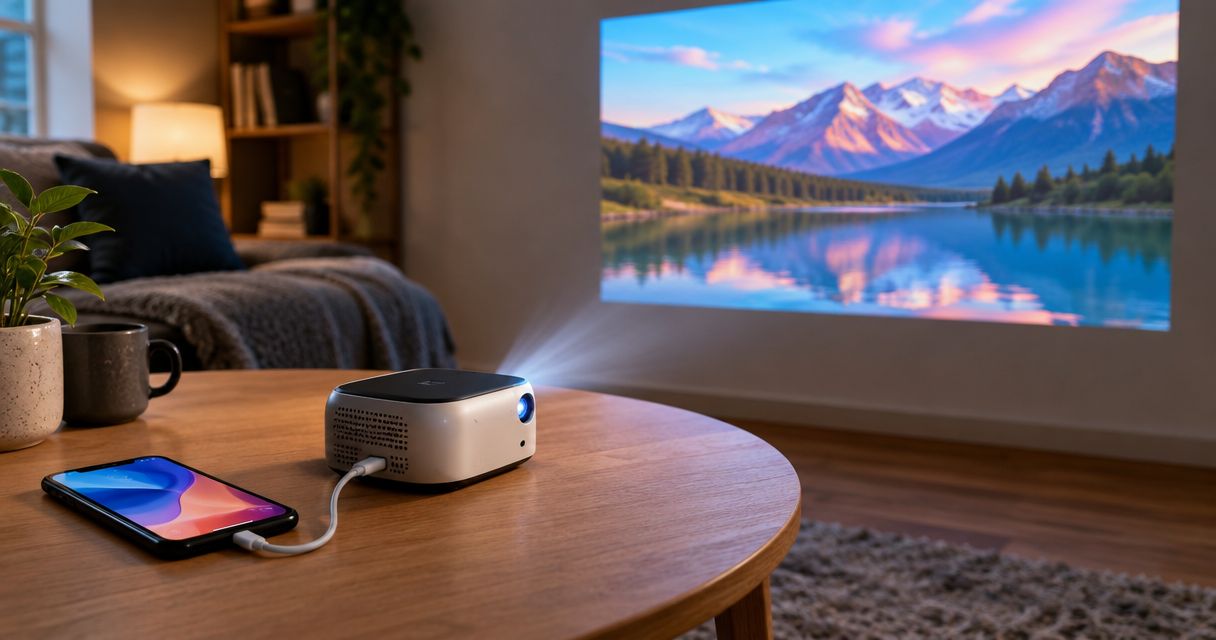
Best overall: an HDMI mini projector matched to your iPhone’s video output. Best for wireless photo sharing: an AirPlay-compatible projector. Best for streaming: a projector with verified built-in streaming apps. This 2026 guide ranks buying configurations so you can choose the connection first, then check individual models.
- The best mini projector for iPhone starts with verified phone compatibility, not a wireless label.
- Choose HDMI for a direct connection; confirm your iPhone supports the required video output.
- Choose AirPlay for wireless sharing, but verify support for your intended streaming apps.
- Hottertronics shoppers should check native resolution, placement, power requirements and accessories before choosing a bedroom mini projector.
Why this matters
A mini projector can connect to your iPhone and still fail at the job you bought it for. Sharing a photo, mirroring an app and playing a protected movie are different tasks. A listing that promises phone compatibility does not answer all three.
For shoppers browsing Hottertronics, the practical question is simple: can this projector show your chosen content from your exact phone in your bedroom? The best iPhone projector is the one with a verified playback path, not the longest feature list.
Use this 2026 shortlist to decide which setup fits your routine. Then check the model’s documentation before buying adapters, mounts or other accessories.
What makes the best mini projector for iPhone?
Compare these criteria before looking at extra features:
- Verified compatibility: Match your exact iPhone model, connector and intended app to the projector’s supported inputs.
- Native resolution: Check the image the projector actually displays, not just the input resolution it accepts.
- Usable brightness: Look for a stated measurement standard. Do not treat unrelated brightness claims as interchangeable.
- Bedroom placement: Confirm the required distance, image position, ventilation clearance and power connection.
- Complete setup: Identify necessary adapters, cables, network access and external audio equipment before deciding.
Native Full HD means 1920 × 1080 pixels. Native HD commonly means 1280 × 720 pixels. A projector that accepts a 1080p signal does not necessarily display a native 1920 × 1080 image.
For bedroom use, also check fan noise information and where the projector must sit. An inconvenient power lead or poorly placed fan can matter more than another adjustment setting.
Best iPhone mini projector setups at a glance
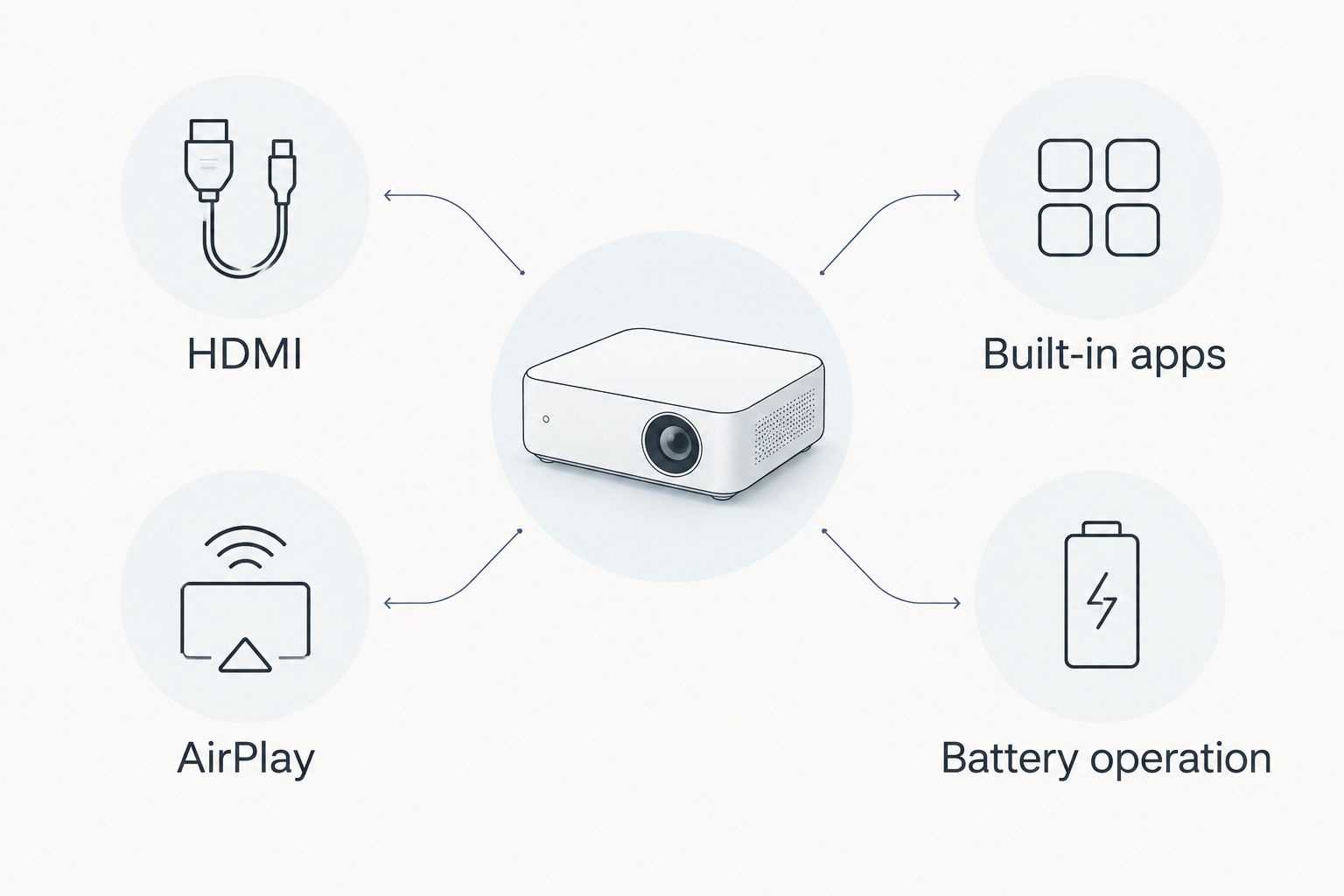
These are configurations rather than model recommendations. Choose the row that matches how you watch, then assess projectors against its requirements.
| Rank and setup | Best for | Standout feature to verify | Main advantage | Key limitation |
|---|---|---|---|---|
| 1. HDMI mini projector | Regular bedroom viewing | Working video input from your exact iPhone | Direct wired signal path | Requires compatible phone output and connection hardware |
| 2. AirPlay-compatible mini projector | Photos and wireless sharing | Explicit AirPlay support and network requirements | No video cable between phone and projector | Streaming-app restrictions still apply |
| 3. Mini projector with built-in streaming apps | Watching supported streaming services | Official support for the apps you use | Playback does not depend on phone mirroring | App support must be checked individually |
| 4. Battery-powered mini projector | Moving between viewing locations | Battery operation during projection | Less dependence on a nearby outlet | Runtime and battery-mode brightness need checking |
The features overlap. A battery-powered projector can also have HDMI, for example. The ranking identifies the feature to prioritize, not mutually exclusive product categories.
1. HDMI mini projector: best for regular bedroom viewing
An HDMI mini projector accepts video through a physical input. Your iPhone needs a supported way to send video to that input, which depends on the phone model and connection hardware.
Best for: You want a repeatable bedroom setup and do not need wireless mirroring. HDMI is the default recommendation for this 2026 guide because it gives you a direct connection to verify.
HDMI mini projector pros
- A physical input makes the required signal path clear.
- A working setup does not depend on wireless screen mirroring.
- You can leave compatible connection hardware arranged for repeated use.
HDMI mini projector cons
- The projector’s HDMI input alone does not prove iPhone compatibility.
- Your phone can remain tethered while you watch.
- Protected streaming content still requires compatible hardware and app support.
Before buying, identify your iPhone model and check its video-output support. Do not assume every USB-C iPhone supports the same display features. For a Lightning iPhone, verify the appropriate digital AV adapter and its compatibility with your intended app.
Check power as well. A projector’s USB port is not automatically a video input or a suitable charging source for every connected device. Read the port descriptions rather than guessing from their shape.
Verdict: Buy an HDMI mini projector when the complete phone-to-projector connection is verified.
2. AirPlay-compatible mini projector: best for wireless sharing
An AirPlay-compatible projector receives supported content wirelessly from an Apple device. Look for explicit AirPlay support rather than treating the words Wi-Fi or wireless as equivalent.
Best for: You want to share photos, presentations or other supported content without connecting a video cable to your phone. This is a convenience-first choice, not a promise that every streaming app will mirror.
AirPlay-compatible mini projector pros
- Removes the video cable between your iPhone and projector.
- Suits casual sharing when the content supports wireless playback.
- Lets you keep your phone nearby rather than beside the projector.
AirPlay-compatible mini projector cons
- Setup depends on the projector’s documented network requirements.
- Wireless support does not guarantee protected-video playback.
- Connection quality depends partly on your wireless environment.
Before choosing this option, check whether the projector supports AirPlay directly or needs another device. Confirm the network instructions, too. A connection that works on your home network is not proof that it will work on a hotel or guest network.
For a 2026 purchase, check current documentation for both the projector and your intended viewing app. Keep the content question separate from the connection question: successful screen sharing does not prove that a particular film will play.
Verdict: Buy for supported wireless sharing; skip an AirPlay-only setup when your main streaming app’s compatibility is unconfirmed.
3. Mini projector with built-in apps: best for streaming services
A projector with supported built-in streaming apps plays content on the projector itself. Your iPhone does not need to supply the video through screen mirroring.
Best for: You mainly want to watch streaming services and are comfortable using the projector’s remote or controls. This approach addresses the viewing task directly instead of making phone mirroring a requirement.
Mini projector with built-in apps pros
- Supported apps provide a playback route independent of iPhone mirroring.
- Your phone can remain available for other tasks.
- A verified app setup avoids buying a phone adapter solely for that service.
Mini projector with built-in apps cons
- A smart operating system does not prove support for every streaming service.
- App access and playback features require individual verification.
- Software support becomes part of the buying decision.
Check each service you use by name. A general statement about downloadable apps is not the same as documented support for the app and playback features you need. Also confirm how you sign in and control playback.
Do not choose this configuration merely because a listing shows familiar app icons. Look for support in current product documentation. An HDMI input remains useful if you want an alternative source later, but verify that separately.
Verdict: Buy when your main streaming apps are explicitly supported; wait when the listing only makes broad smart-projector claims.
4. Battery-powered mini projector: best for changing locations
A battery-powered projector can operate without a continuous connection to a wall outlet. That feature helps when you move the projector between rooms or place it away from an outlet.
Best for: Your viewing location changes often enough that battery operation solves a real placement problem. Battery power does not replace the need to verify an iPhone connection or supported app.
Battery-powered mini projector pros
- Removes the projector’s wall-power lead during battery operation.
- Gives you more placement options where outlets are inconvenient.
- Makes temporary setups easier to arrange.
Battery-powered mini projector cons
- Viewing time is limited by the model’s battery runtime.
- Brightness settings can affect battery operation and runtime.
- Charging adds another task to your viewing routine.
Check the conditions attached to any runtime claim. Confirm whether the stated duration applies to the brightness setting you intend to use and whether the projector can operate while charging.
For a projector that will stay on the same bedroom shelf, prioritize image quality, placement and connection support before battery power. Portability only adds value when you actually move the device.
Verdict: Buy for frequent location changes; skip battery power as a must-have for a fixed bedroom setup.
Check the bedroom before choosing the projector
The best mini projector for iPhone still needs a suitable place to sit. Start with the surface you will project onto, then work backward to the projector position.
- Image position: Check whether the lens can face the intended viewing area without an awkward angle.
- Throw distance: Use the model’s documented distance and image-size guidance.
- Ventilation: Leave the clearance specified by the manufacturer.
- Power access: Plan a safe cable route that does not cross your walking space.
- Audio: Check the built-in speaker and any supported external-audio connection.
Digital keystone correction adjusts image geometry; it does not replace correct physical placement. Start with the projector aligned as directly as practical, then use supported adjustments as needed.
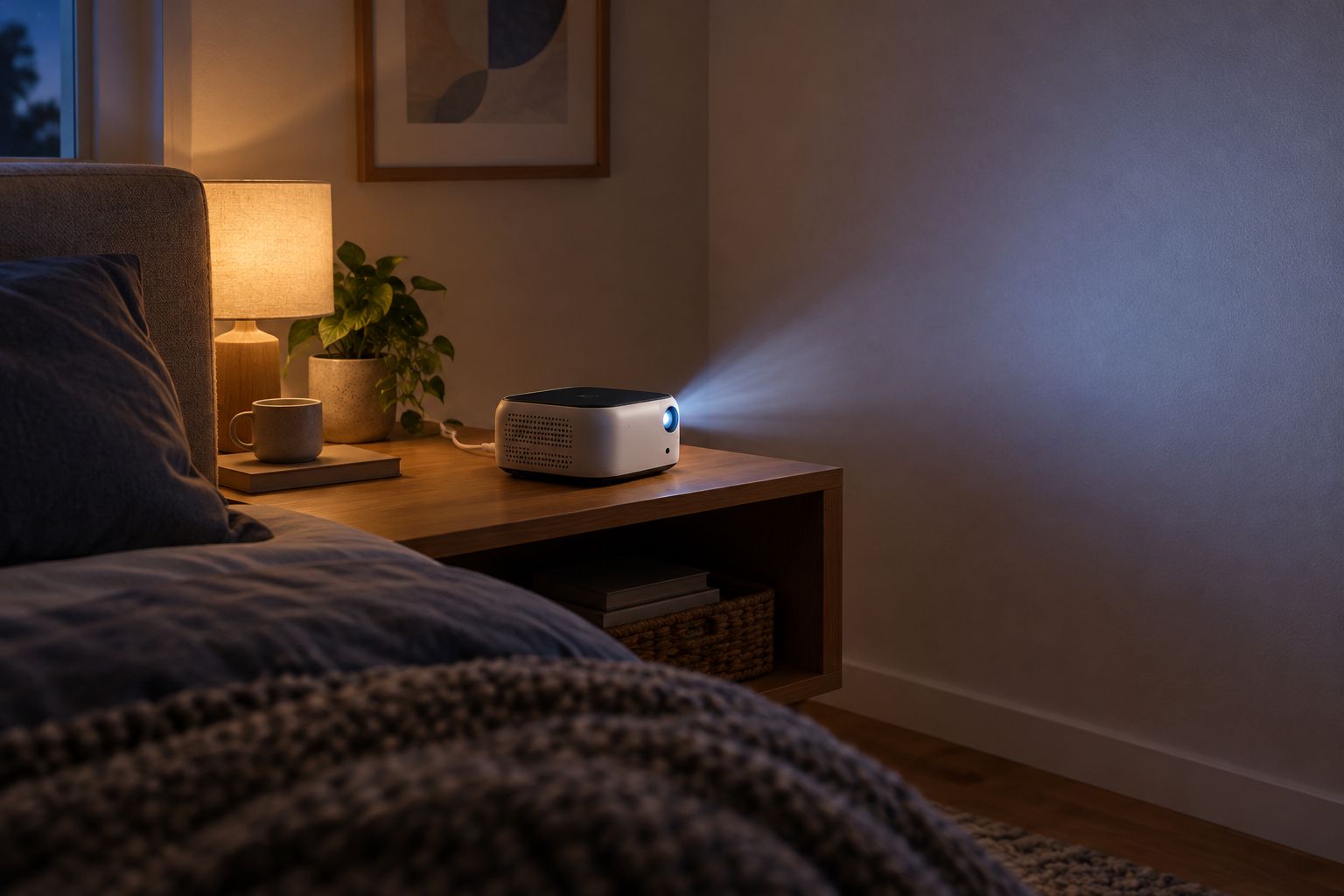
For Hottertronics shoppers comparing bedroom mini projectors, this room check keeps the decision practical. A feature only helps if you can use it in the space you have.
How the configurations rank
This ranking prioritizes verified compatibility, a clear playback route and practical bedroom setup. HDMI takes the default position because the connection requirements can be checked directly. AirPlay serves wireless sharing; built-in apps serve supported streaming; battery operation serves changing locations.
The ranking does not make every HDMI projector better than every wireless model. Native resolution, measured brightness and placement requirements still decide whether an individual projector fits your room.
Use the same criteria across your 2026 shortlist. Do not compare one model’s native resolution with another model’s supported input resolution, or one standardized brightness measurement with an unexplained marketing figure.
Which mini projector should you choose?
Choose an HDMI mini projector unless wireless sharing, built-in streaming or battery operation solves a specific need. Verify your exact iPhone’s output support before committing to the connection hardware.
If streaming services are your main use, prioritize confirmed app playback over mirroring convenience. If you mainly share photos, explicit AirPlay support deserves more attention. If the projector stays beside your bed, battery operation belongs lower on the checklist.
Before ordering, write down the required accessories and setup steps. Compare the complete arrangement, not just the projector’s headline features. That is the most useful value check for a budget-conscious buyer.
FAQ
What's the best mini projector for iPhone in 2026?
An HDMI mini projector with verified support for your exact iPhone is the default choice for regular bedroom viewing. Choose explicit AirPlay support for wireless sharing, or verified built-in apps when streaming services are your priority.
Can I connect an iPhone directly to a mini projector?
You can connect an iPhone when the phone supports the required video output and the projector accepts that signal. Check the exact phone model, adapter or cable, and projector input before buying.
Does a Wi-Fi projector automatically work with AirPlay?
No. Wi-Fi describes network connectivity, while AirPlay is a specific playback and sharing capability. Look for explicit AirPlay support and read the projector's connection instructions.
Can I watch streaming apps by mirroring my iPhone?
Mirroring does not guarantee playback from every streaming app. App restrictions and content protection can affect video output, so verify the intended service and connection method.
Is native 1080p different from 1080p support?
Yes. Native 1080p describes a displayed resolution of 1920 × 1080 pixels; 1080p support can describe an accepted input signal. Check native resolution when comparing image detail.
Do I need a battery-powered projector for my bedroom?
You do not need battery power when a suitable outlet serves your projector's permanent position. Prioritize verified compatibility, image requirements and placement unless moving the projector is part of your routine.
What should I check before buying an iPhone mini projector?
Check your exact iPhone's video output, projector inputs, intended app support, native resolution and placement requirements. Then identify the cables, adapters, power connections and audio equipment your setup needs.
One last thing
A successful photo-sharing connection is not a complete movie-playback check. Verify the exact app and content route you plan to use before treating compatibility as settled.
For Hottertronics shoppers, that is the final buying rule: choose the projector around your actual evening routine, not around a feature you will rarely use.