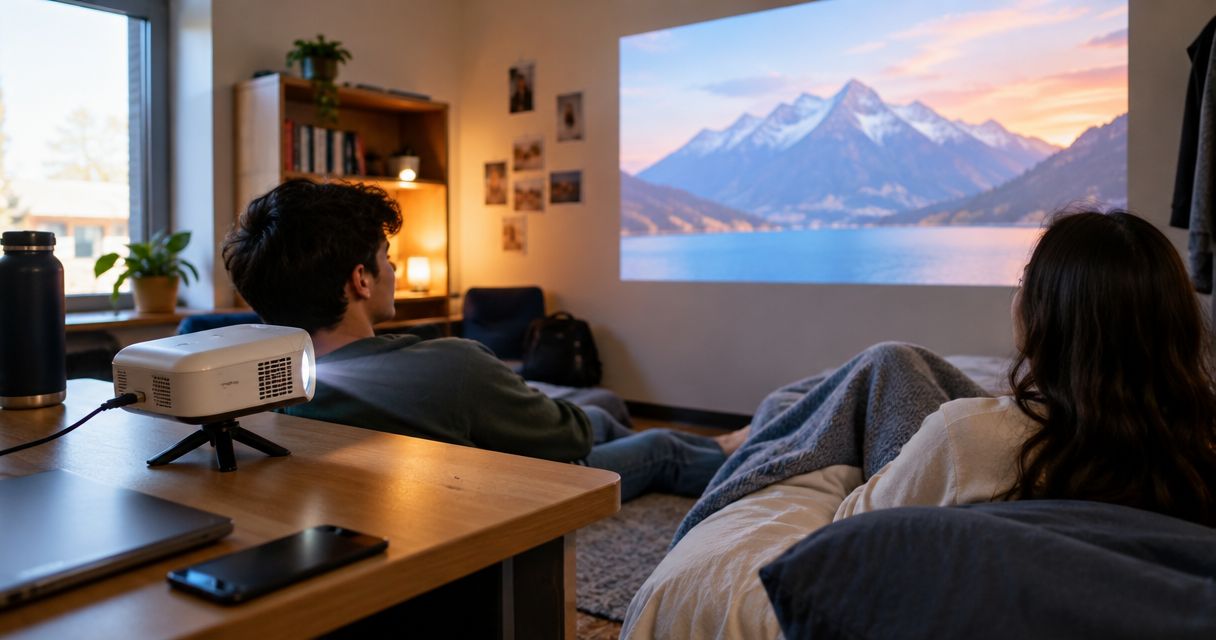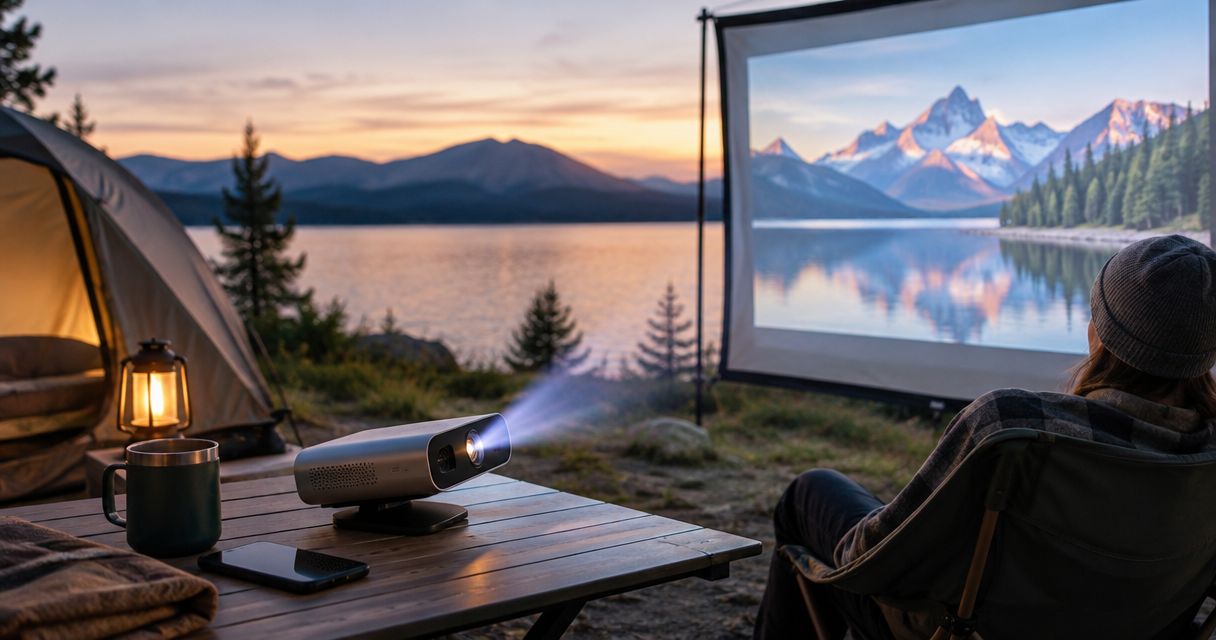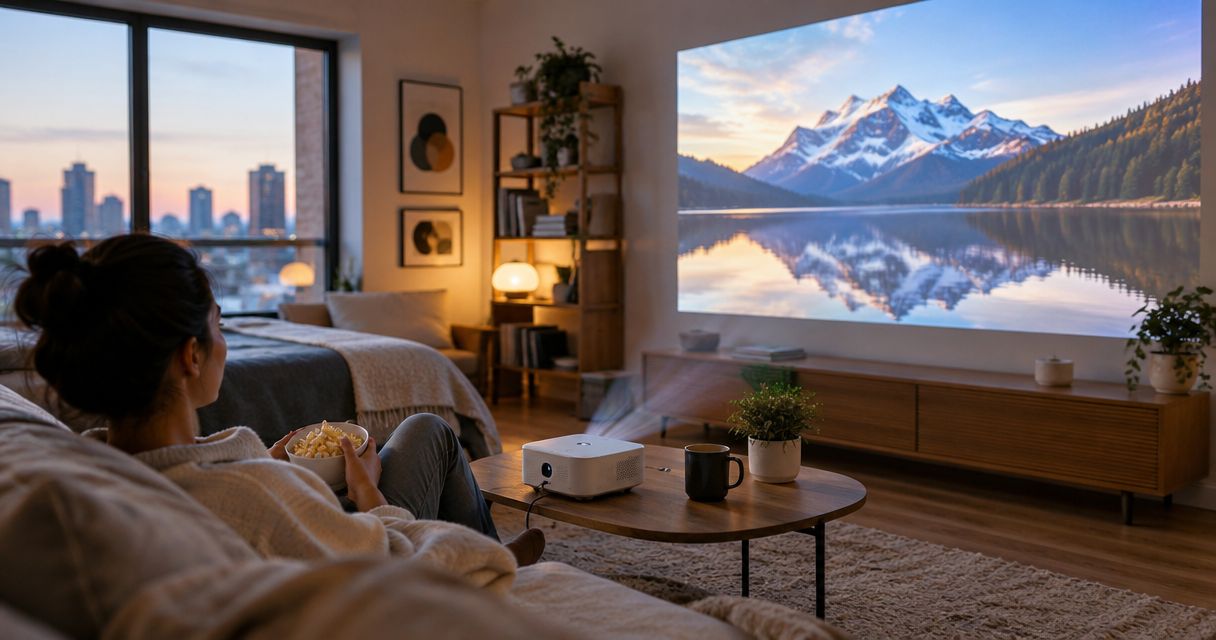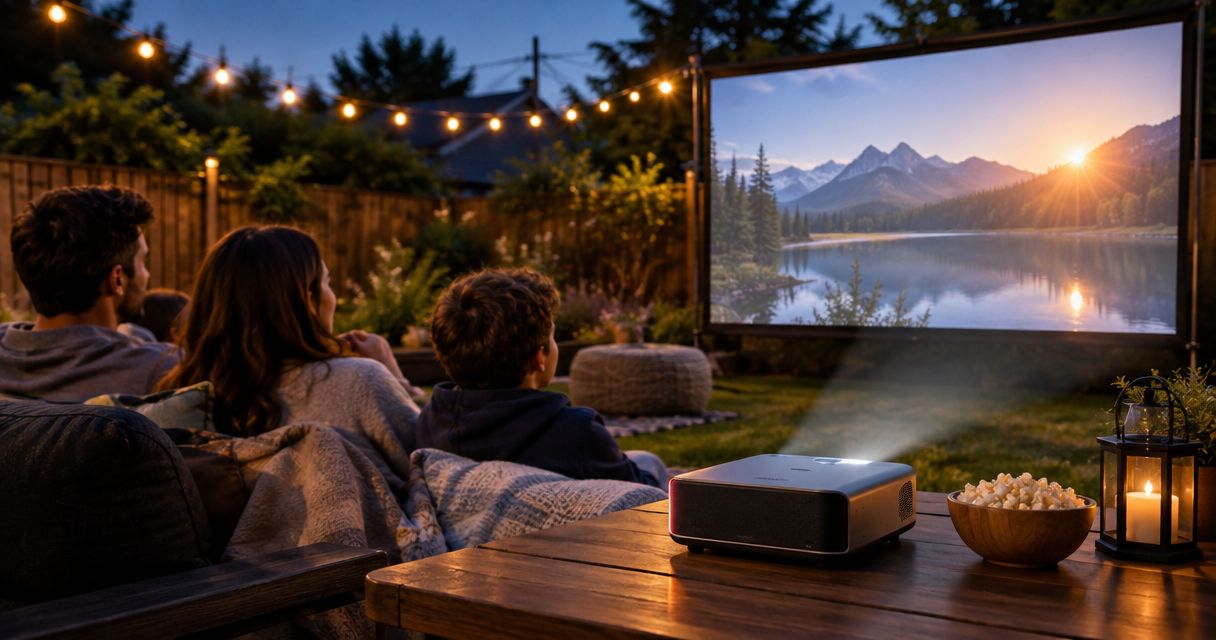
Best overall: a plug-in HDMI mini projector. Best away from an outlet: a battery-powered portable projector. Best for a shallow patio: a short-throw projector. Best budget approach: reuse a suitable bedroom mini projector. This 2026 guide ranks buying approaches for backyard movie nights, with compatibility, darkness and setup needs ahead of feature lists.
- The best projector for backyard movie night fits your power access, viewing space and playback device.
- Hottertronics shoppers should prioritize a workable outdoor setup over extra features they will not use.
- Choose plug-in HDMI for an outlet nearby; choose battery power when running a cable is impractical.
- Check native resolution, standardized brightness, streaming compatibility and audio connections before buying a mini projector.
Why this matters
A backyard adds problems that a bedroom does not: neighboring lights, a longer route to power and fewer surfaces for placing equipment. A projector that works indoors still needs a suitable screen position and a dependable playback connection outdoors.
For Hottertronics mini projector shoppers, the best backyard choice is the setup that matches their power access and playback device. Start with those constraints, then compare features. You can browse Hottertronics with that checklist rather than treating every portable projector as interchangeable.
For your 2026 shortlist, separate must-haves from conveniences. A compatible video connection is essential; automatic picture adjustment is useful only after the projector fits your space.
What makes the best backyard mini projector?
Use these criteria before comparing the ranked options:
- Usable brightness: Look for brightness stated using an identified measurement standard, such as ANSI lumens. Do not treat unspecified LED lumens as interchangeable with ANSI lumens.
- Native resolution: Check the actual imaging resolution, not just the highest input signal the projector accepts. Native 1920 × 1080 pixels and native 1280 × 720 pixels describe different pixel counts.
- Playback compatibility: Confirm how your phone, laptop or streaming device sends video. A USB charging connection does not automatically provide video output.
- Power and placement: Identify the outlet, cable route, projector support and screen location. Battery power solves the outlet problem, not every placement problem.
- Audible dialogue: Check speaker output options and how you will control volume. Outdoor seating leaves you fewer enclosed surfaces to reflect sound.
- Complete setup: Account for any required screen, stand, adapters, streaming device and outdoor-rated power equipment before choosing.
Treat brightness and placement as connected decisions. Enlarging the picture spreads the projector's light over a larger area; a smaller image can be the more useful choice when the picture looks washed out.
Backyard mini projectors at a glance
These are ranked setup types, not model-specific performance ratings. Choose the row that matches your main constraint, then check the individual projector's documentation.
| Rank and option | Best for | Standout feature | Key limitation |
|---|---|---|---|
| Plug-in HDMI mini projector | Movie nights near an outlet | Direct video connection without depending on wireless mirroring | Requires a safe power route and compatible source |
| Battery-powered portable projector | Seating areas without convenient mains power | Runs without a mains cable during battery operation | Runtime depends on the model and operating mode |
| Short-throw projector | Shallow patios with limited placement depth | Produces a specified image size from a shorter distance | Placement must match the projector's throw requirements |
| Existing bedroom mini projector | Occasional outdoor use without another projector purchase | Reuses equipment you already know | Indoor suitability does not establish outdoor suitability |
1. Plug-in HDMI mini projector: best near an outlet
A plug-in mini projector receives mains power and takes video from a compatible source through HDMI. It is the default buying approach when you have a safe outlet nearby and do not need battery operation.
The practical benefit is control over the playback chain. You can choose a compatible laptop or streaming device rather than making phone mirroring your only way to watch. HDMI does not, by itself, guarantee that every app, adapter and device combination will work.
Plug-in HDMI mini projector pros:
- Mains operation avoids making battery runtime the viewing limit.
- A wired video path removes dependence on wireless mirroring.
- You can select the source device separately from the projector.
Plug-in HDMI mini projector cons:
- The power cable needs a safe route away from foot traffic.
- Streaming devices can require their own power connection.
- Ports alone do not establish brightness or picture quality.
Best for: A regular backyard viewing spot within practical reach of power.
For a 2026 purchase, check whether HDMI carries audio to the output you intend to use. Also verify that you can change inputs and adjust focus from the projector's planned position.
Verdict: Buy this setup type when power is convenient and you want a direct playback connection.
2. Battery-powered portable projector: best away from an outlet
A battery-powered portable projector operates from its internal battery without remaining connected to mains power. That suits a garden seating area where running a power cable is impractical.
Battery operation changes the setup, not the brightness requirements. Check the manufacturer's runtime conditions, especially the picture mode used for its claim. A runtime figure measured in a reduced-brightness mode does not establish runtime at another setting.
Battery-powered portable projector pros:
- Removes the mains cable from the projector's operating position.
- Makes moving between suitable viewing spots more straightforward.
- Reduces dependence on the location of outdoor outlets.
Battery-powered portable projector cons:
- Charge level becomes part of your preparation.
- A streaming source or speaker can still need separate power.
- Battery operation does not establish weather resistance.
Best for: A backyard viewing area without convenient access to mains power.
Before buying, check charging requirements and whether the projector supports your intended power arrangement. Do not assume a USB power bank will run it simply because the connector fits.
Verdict: Buy for outlet independence; skip battery power as a priority when you will always watch beside an outlet.
3. Short-throw projector: best for a shallow patio
A short-throw projector is designed to produce a given image size from a shorter distance than a longer-throw design. It addresses a placement problem: not having enough depth between the projector and screen.
Short throw describes projection geometry, not portability, brightness or native resolution. Check the specified distance for your intended image size before treating a compact projector as suitable for a narrow patio.
Short-throw projector pros:
- Fits layouts where a longer projection distance is impractical.
- Offers a placement option closer to the screen.
- Helps you plan the equipment footprint around limited patio depth.
Short-throw projector cons:
- It still needs the correct distance and alignment.
- Short throw does not eliminate the need for a flat projection surface.
- A short-throw model is not necessarily a mini projector.
Best for: A shallow patio where projector-to-screen distance is the main restriction.
Mark the screen position first, then locate the projector using its placement guidance. If that location blocks a doorway or walkway, the arrangement fails even if the image fits.
Verdict: Buy only after checking the throw-distance requirements against your actual space.
4. Existing bedroom mini projector: best for occasional use
The most restrained buying decision is to check whether your current bedroom projector can handle an occasional backyard evening. You already have a starting point for focus, controls and source compatibility.
Move the test outdoors after dark, using a dry location and safe power arrangements. Compare the picture at your intended seating distance before deciding that another projector is necessary.
Existing bedroom mini projector pros:
- Avoids buying another projector before checking what you own.
- Keeps familiar controls and playback equipment in use.
- Lets you identify the actual limitation before replacing equipment.
Existing bedroom mini projector cons:
- A satisfying indoor picture does not guarantee a satisfying outdoor picture.
- The existing projector might lack suitable audio connections.
- Indoor equipment still needs protection from outdoor conditions.
Best for: Occasional backyard movie nights when you already own a mini projector.
For more indoor buying context, see the guide to mini projectors for bedroom movie nights. Keep bedroom convenience separate from the outdoor checks above.
Verdict: Hold off on replacing a working projector until an outdoor setup check reveals a specific problem.
Check the whole setup before buying
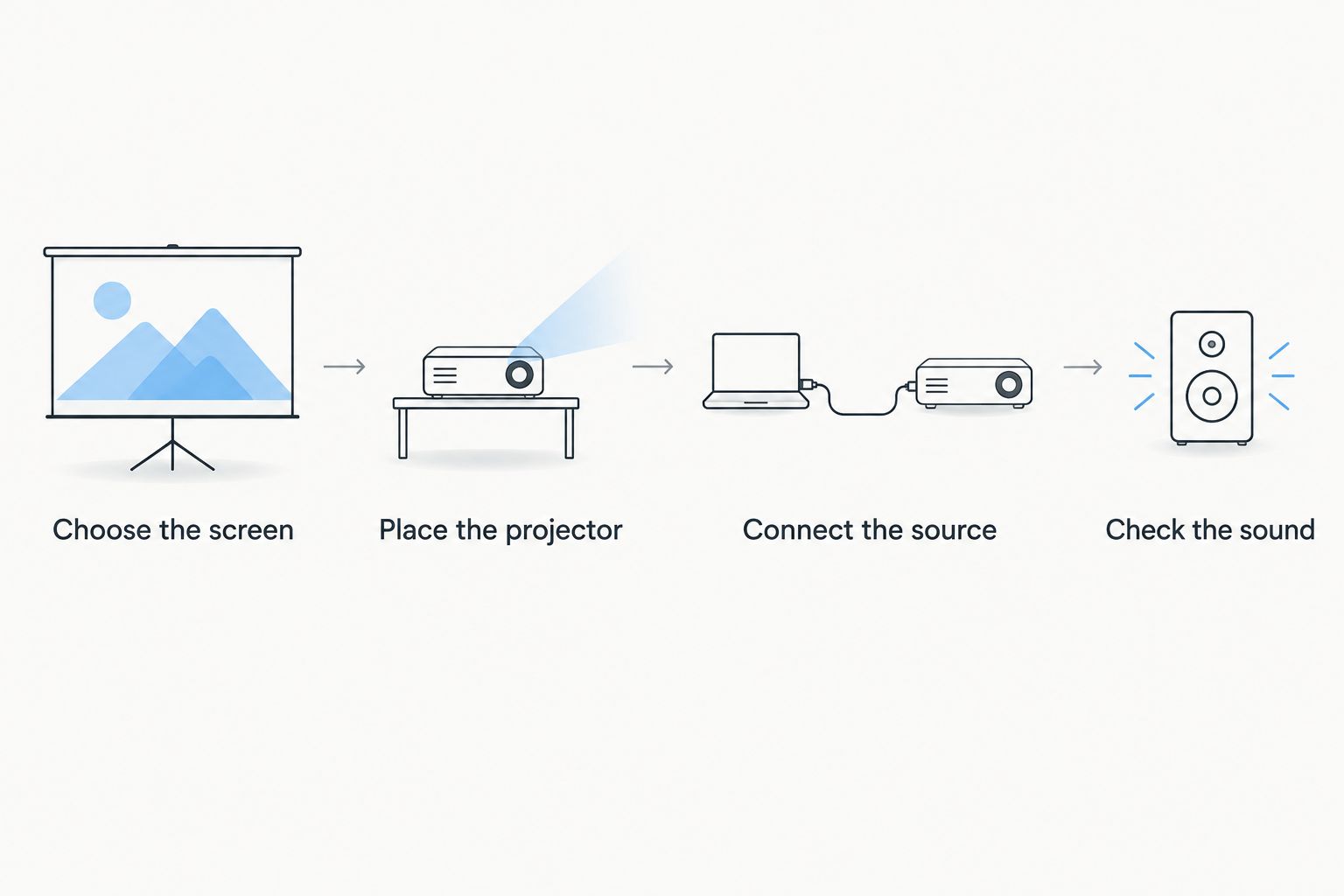
Use this sequence for your 2026 shortlist. It prevents you from choosing a projector first and discovering afterward that the screen, power source and playback device cannot work together.
Choose the screen
Pick the projection surface and viewing direction first. A flat, neutral surface avoids the texture and color interference that patterned or uneven surfaces introduce.
Keep competing light off the screen where practical. A brighter projector does not make nearby lighting irrelevant, and a darker viewing position is often the simpler setup change.
Place the projector
Check the specified throw distance for the image size you want. Plan a stable support with clear ventilation and enough room for connected cables.
Keep the projector aligned with the screen where possible. Digital keystone correction reshapes the image; it is not a substitute for finding a sensible physical position.
Connect the source
Confirm the video path from source to projector, including every adapter. If you are using a phone, check that the phone supports the intended video output and that your viewing app permits that playback method.
An HDMI input is not the same as a complete phone connection. The separate guide to mini projectors for iPhone covers that buying angle.
Check the sound
Play dialogue from the actual seating position. If you need external audio, verify the projector or source has the appropriate output; a 3.5 mm audio jack is one possible connection, not a universal feature.
Check Bluetooth direction explicitly. Bluetooth input, Bluetooth audio output and Bluetooth remote control describe different functions.
Read specifications without buying the wrong feature
For Hottertronics mini projector shoppers, specifications should answer a practical question: will this device work in the place you intend to watch? A long feature list does not answer that on its own.
Native resolution versus supported input
Native 1920 × 1080 pixels describes the projector's imaging resolution. A claim that a projector accepts a higher-resolution signal describes input compatibility, not necessarily the resolution you see.
Read both fields. If image detail matters, do not substitute a supported-input claim for a native-resolution specification.
Wireless features versus streaming access
Wi-Fi does not establish that a projector includes your streaming apps. Screen mirroring also does not establish that every subscription service permits mirrored playback.
Check the exact app and connection method you plan to use. If your source needs internet access, confirm that connection at the outdoor viewing position rather than assuming indoor coverage reaches it.
Portability versus outdoor suitability
A handle, small enclosure or internal battery does not establish protection against rain or moisture. Follow the manufacturer's environmental instructions and keep cables and electrical connections appropriate for their location.
Bring indoor equipment back inside after use. Do not leave a bedroom projector outdoors simply because it is easy to carry.
How the ranking works
The order prioritizes the obstacle each setup solves: convenient wired playback, independence from an outlet, restricted projection distance or avoiding an unnecessary replacement. It does not award a model-level winner without model-level evidence.
Your main constraint determines which option moves to the top. For a 2026 comparison, require clear native resolution, identified brightness measurement, compatible inputs and documented power requirements before considering convenience features.
Which backyard projector should you choose?
Choose a plug-in HDMI mini projector by default when you have safe access to power. Choose battery operation for a difficult outlet location, short throw for restricted depth, or your existing bedroom projector when it already produces an acceptable outdoor picture.
Use Hottertronics as a place to compare useful gadgets against that checklist. Decide what your setup needs before paying for features that do not solve its limitations.
FAQ
What's the best projector for backyard movie night?
A plug-in HDMI mini projector is the default choice when you have safe access to power and a compatible video source. Choose battery power instead when an outlet is impractical, or short throw when placement depth is restricted.
Can I use a bedroom mini projector outside?
You can use a bedroom mini projector in an outdoor setup that meets its operating instructions and electrical safety requirements. Check the picture after dark, protect equipment from moisture and bring indoor equipment inside after use.
Is a battery projector better for backyard movies?
A battery projector is better for a viewing spot without convenient mains power. It is not automatically brighter or more weather-resistant, and its runtime depends on the model and operating mode.
Does a mini projector need Wi-Fi for backyard movies?
A mini projector does not need Wi-Fi when a compatible wired source supplies the video without requiring that connection. Streaming still needs the internet connection required by the source or app.
Can I connect my phone to a backyard projector?
You can connect a phone when the phone, projector, adapters and playback app support the chosen connection method. Check video-output support rather than assuming that a matching charging connector carries video.
Is supported resolution the same as native resolution?
Supported resolution is not the same as native resolution. Supported resolution describes an accepted input signal, while native resolution describes the projector's imaging resolution.
Do I need a separate speaker for outdoor movies?
You need a separate speaker if the projector's sound does not provide clear dialogue at your seating position. Confirm a compatible audio output before buying a speaker, and check dialogue synchronization during setup.
One last thing
Before replacing a disappointing projector, make the image smaller and remove avoidable light from the screen. Spreading the same projected light over less area increases illumination at the surface; that simple adjustment helps you distinguish a setup problem from a purchase problem.